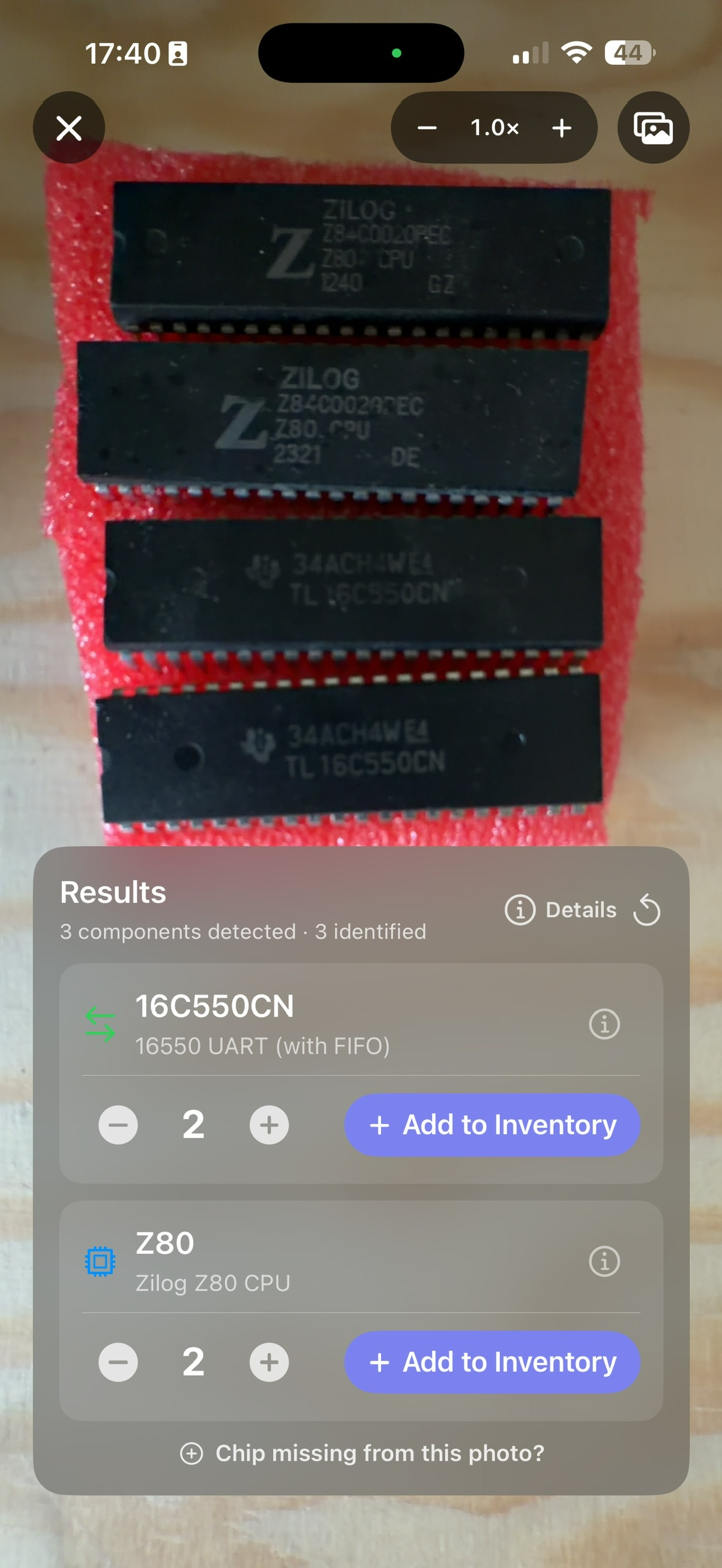
Take a photo
Frame one or several chips. Their markings are read directly from the image.
 RETRO CHIP VAULT
FOR THOSE WHO REPAIR, NOT THOSE WHO THROW AWAY
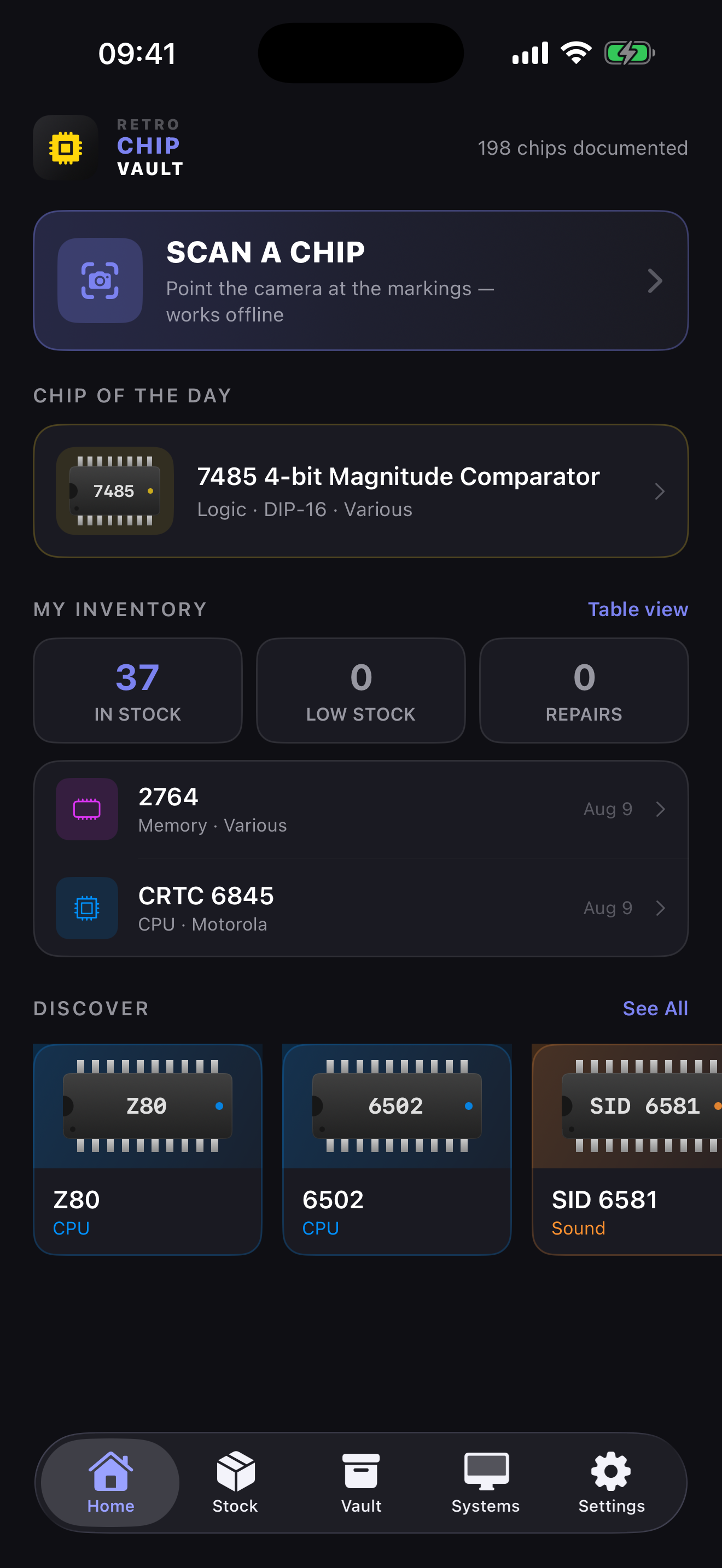
Identify a chip from a photo, find its pinout, organize your inventory and document every machine you bring back to life.
01 Identify
02 Inventory
03 Repair
04 Preserve
ONE APP. THE WHOLE WORKSHOP.
Retro Chip Vault connects what collectors often have to manage separately: identification, documentation, inventory and repair history.
Frame one or several chips. Their markings are read directly from the image.
Find the part number, manufacturer, purpose, pinout and compatible machines.
Add parts to inventory and link every intervention to its repair project.
THE TOOL THAT FOLLOWS YOUR WORKFLOW
Move from the camera to your inventory without retyping a part number. Every screen stays focused on the next useful action.
ALSO IN THE APP
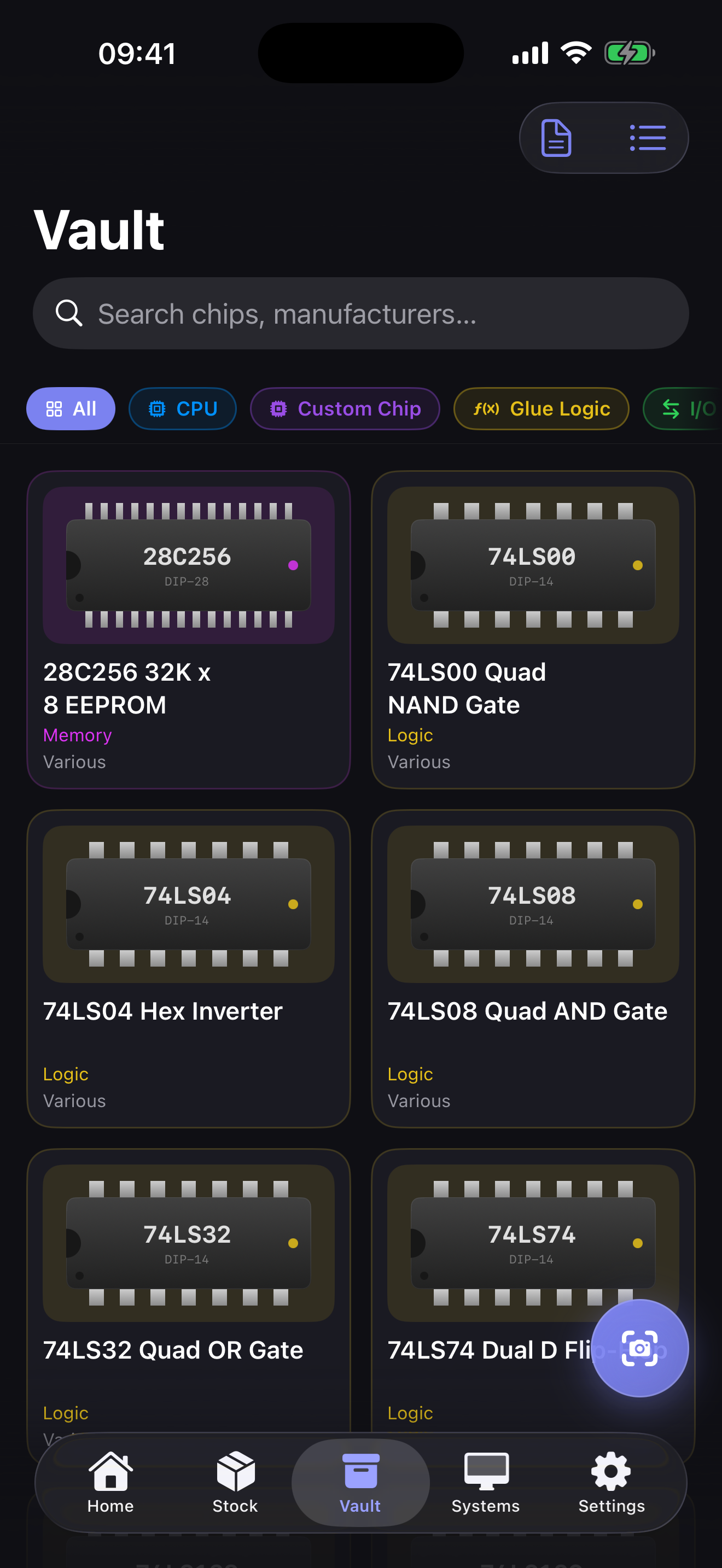
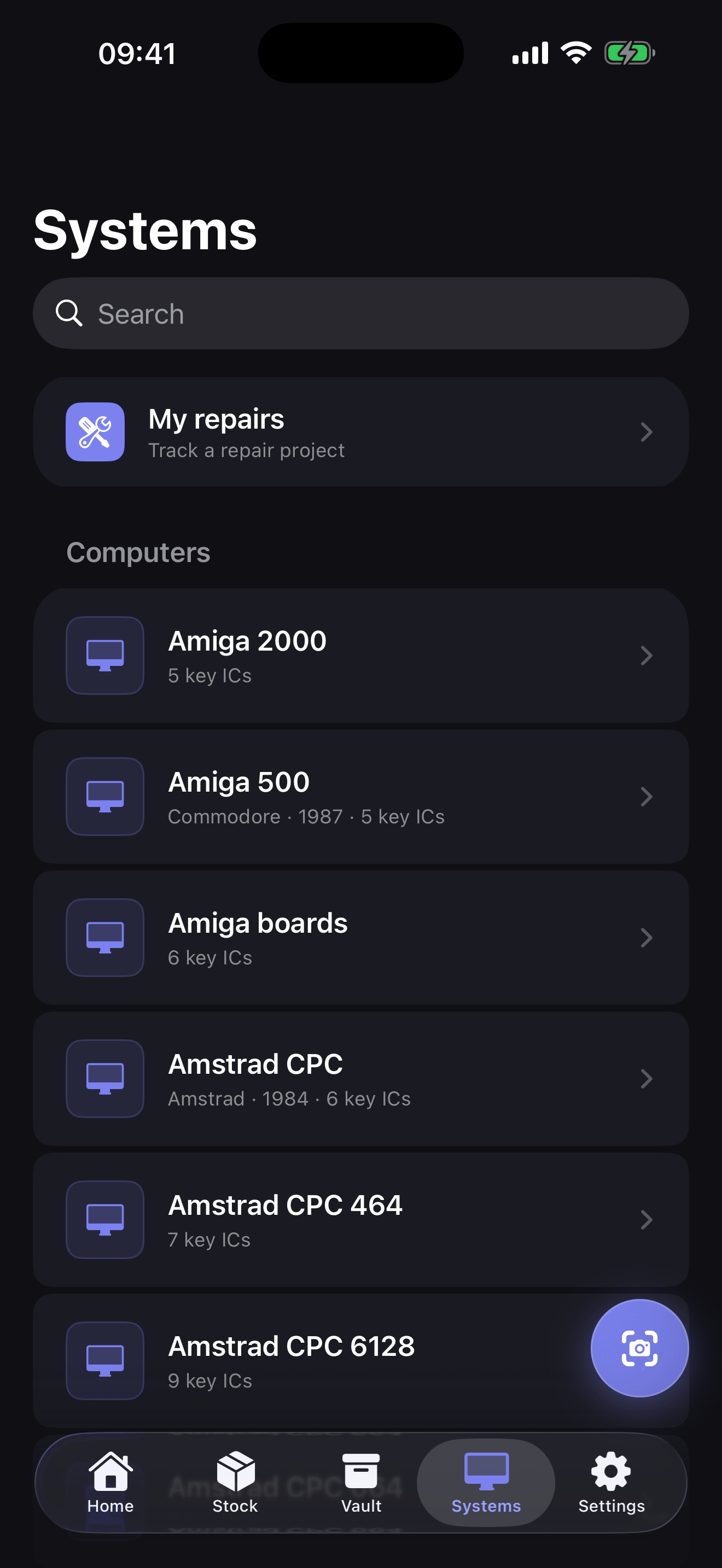
Browse components visually, then start from a machine and its symptoms to find the chips you should check first.
A DATABASE BUILT FOR THE BENCH
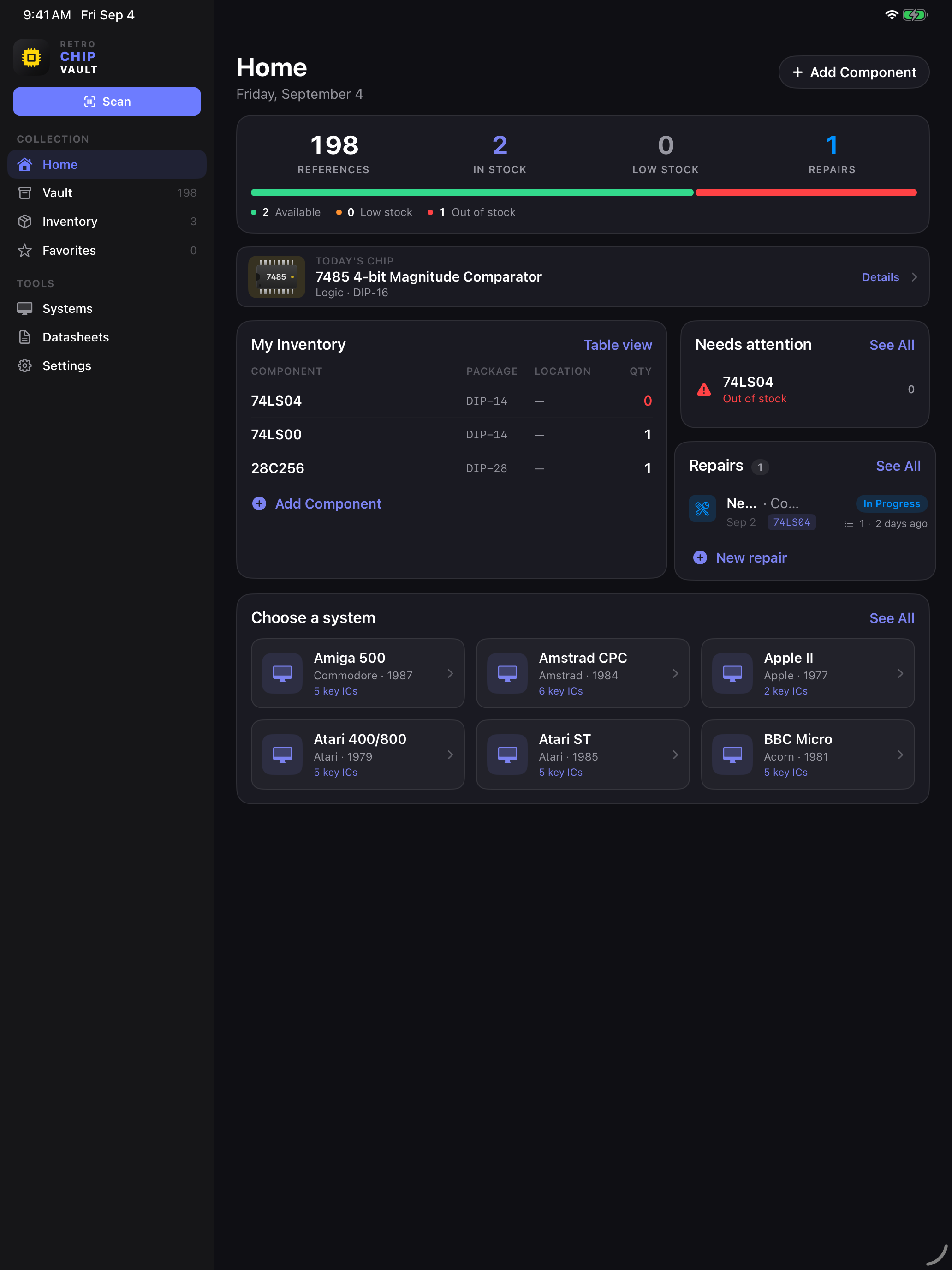
198CPUs, video, sound, memory, logic and custom components.
Available and cached for workshop use.
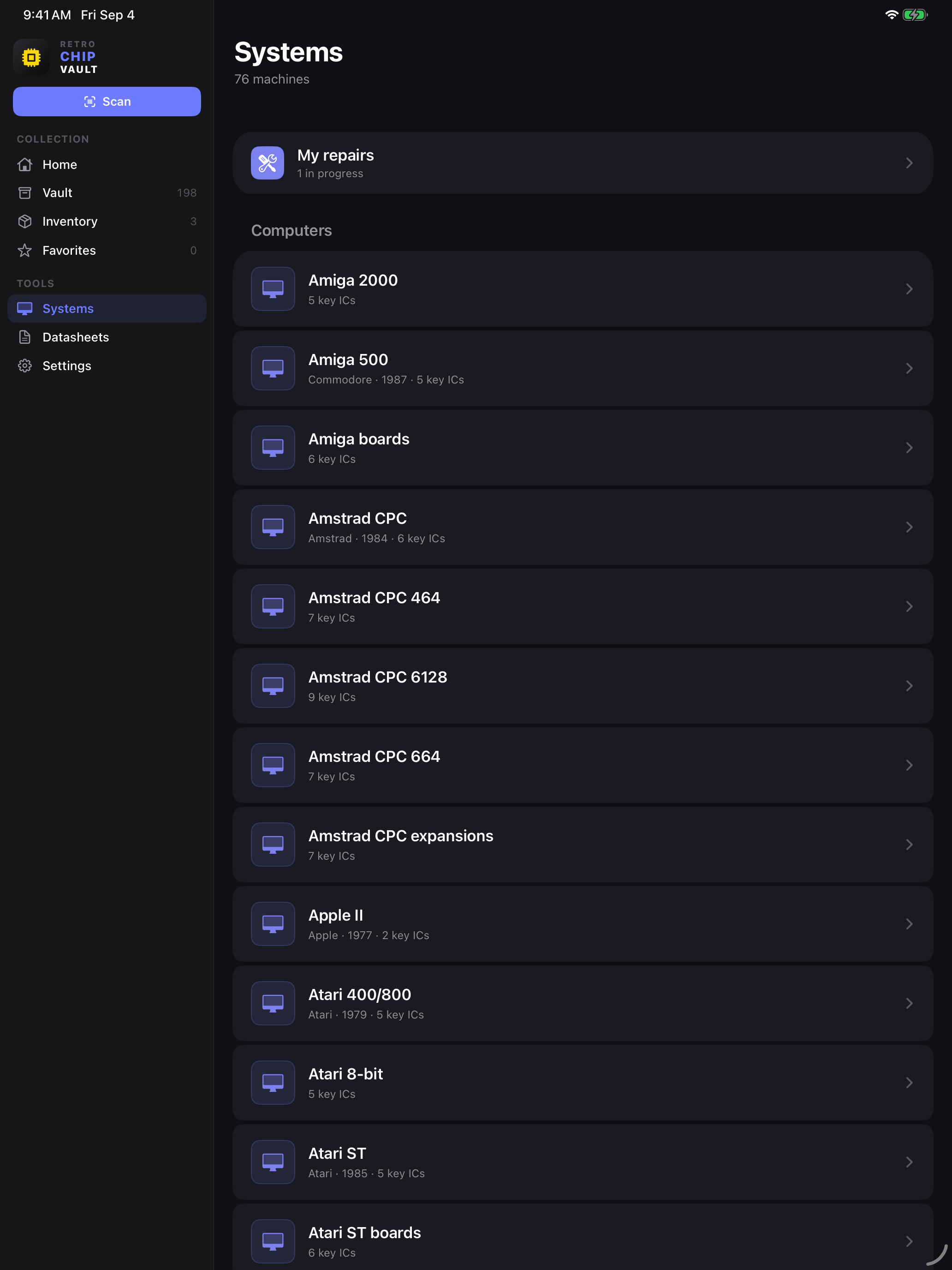
Amiga, Commodore, Amstrad, Atari, Apple, consoles and arcade systems.
The right component, in the right place.
REPAIR AT THE HEART OF THE APP
Create one project per machine, record symptoms, keep track of suspect components and log every replaced part. When you return to a repair weeks later, the full story is still there.
DESIGNED FOR IPHONE AND IPAD
Scan quickly on iPhone. Get a complete view of inventory, alerts and repairs on iPad. Your workshop follows you without changing your habits.
START SIMPLY. UPGRADE WHEN YOUR WORKSHOP GROWS.
Discovery and identification tools remain available in the base version. Pro adds the tools made for growing collections and repair work.
No purchase required
€9.99One-time purchase · no subscription
Pro is a non-consumable purchase. Exact features are shown in the app before purchase confirmation.
Marking recognition can run directly on your iPhone or iPad.
Optional iCloud sync and provider keys stored in Keychain.
One Pro upgrade removes inventory, repair and export limits.
RETRO CHIP VAULT
Available now on the App Store.